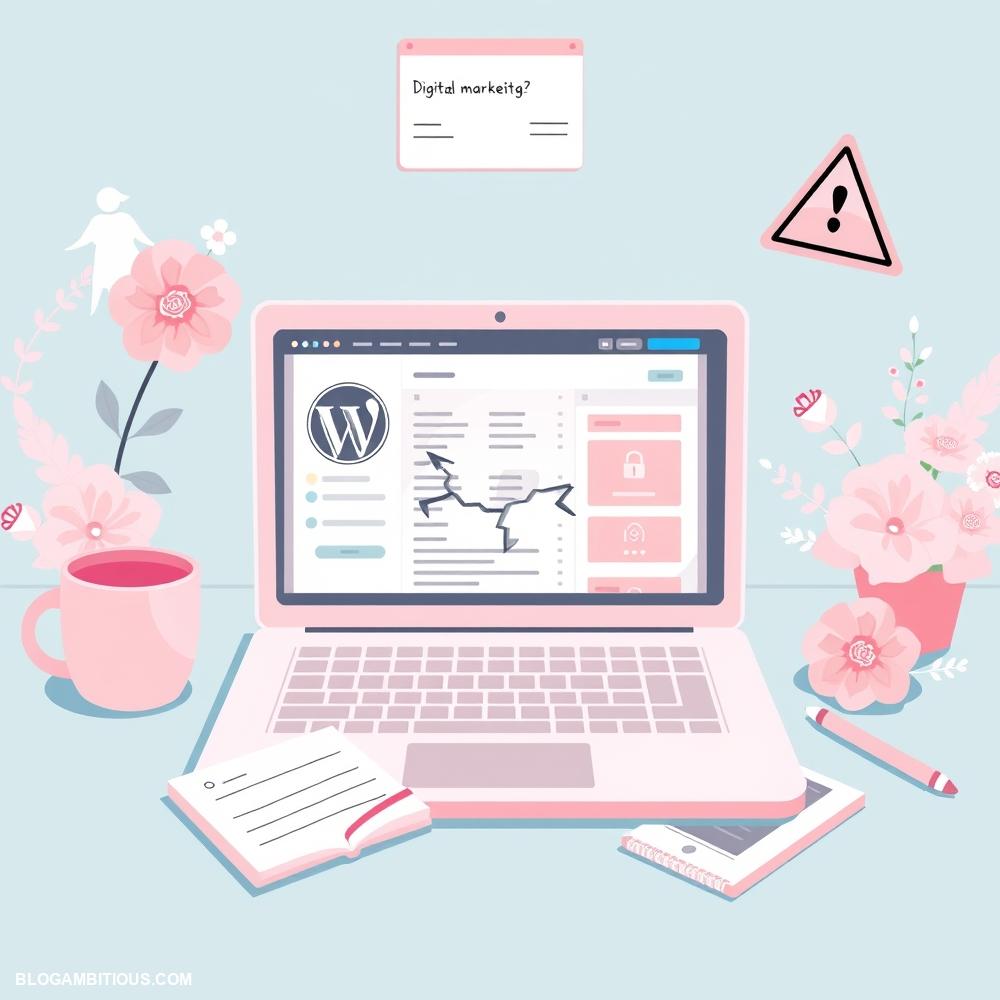
The dreaded words no website owner wants to hear: “Your site has been hacked.” For many WordPress users, this nightmare scenario becomes a harsh reality when they wake up to find their website defaced, compromised, or worse, blacklisted by search engines. The consequences of a hacked WordPress site can be severe, from financial losses to damaged reputation and lost credibility. But the good news is that with the right strategies and precautions, you can prevent a hack from happening in the first place, or recover from one quickly and effectively.
In this article, we’ll dive into the world of WordPress security, exploring the common reasons behind hacks, the signs to look out for, and most importantly, the steps you can take to keep your WordPress site safe and secure.
Common Signs That Your WordPress Site Has Been Hacked
Detecting whether your WordPress site has been hacked is crucial for mitigating damage and restoring security. One common sign is a sudden drop in traffic, which may indicate that search engines have flagged your site for malware or suspicious activity. Additionally, if you notice unfamiliar user accounts in your WordPress dashboard, it could suggest that unauthorized persons have gained access.
Another red flag is unexpected changes to your website’s content, such as altered posts or the addition of new pages that you did not create. Unauthorized redirects, where visitors are sent to dubious sites without consent, can also point to a compromise. You might also see modified themes or plugins that look different than you remember, as hackers may change these to execute their malicious activities.
Furthermore, if your site is displaying unusual pop-ups or spammy advertisements, this is a strong indicator of a hack. Lastly, receiving warnings from web browsers or security tools alerting you to malware can confirm that your WordPress site has been breached. Regularly monitoring for these signs is essential to maintaining your site’s integrity and user trust.
Immediate Actions to Take After Discovering a Hack
Upon discovering that your WordPress site has been hacked, it’s crucial to act swiftly and methodically to mitigate potential damage. Start by disconnecting your site from the internet or taking it offline to prevent further data loss and protect your visitors.
Next, assess the situation by checking your site’s logs and recent activity to identify the breach’s entry point and nature. Change all your access credentials immediately, including the log-in URL, administrator passwords, FTP accounts, and database login details, to secure your site from further unauthorized access.
It’s also advisable to inform your hosting provider about the hack, as they can assist with server-level threats and may provide tools to help recover your site. After securing your credentials, conduct a thorough scan of your website using security plugins or third-party services to locate malicious files or code injected by attackers.
Once you identify compromised files, restore them from a clean backup if available; if not, you may have to remove the malicious code manually. Additionally, ensure all your themes, plugins, and the core WordPress installation are updated to their latest versions, as outdated software can offer easy vulnerabilities for hackers.
Finally, consider implementing a robust security solution moving forward, such as firewalls and regular security audits, to fortify your site against future attacks and safeguard your digital assets.
How to Recover Your Hacked WordPress Site
Recovering a hacked WordPress site is a critical process that requires quick action to minimize damage and restore functionality. The first step in recovery is to assess the extent of the compromise. It is essential to back up all existing content, even if it appears corrupted, since it may provide valuable insights during the recovery process.
Next, change passwords for all user accounts, especially those with administrative privileges, and ensure that you also update passwords for your hosting account and database. After securing access, scan your site using security plugins like Wordfence or Sucuri, which can help identify vulnerabilities, infected files, and malware.
Once you’ve identified the malicious code or compromised files, remove them and replace them with clean versions from a backup or the original source. It’s also wise to review your themes and plugins, ensuring they are updated to their latest versions, and remove any unauthorized installations or outdated elements that could pose risks.
Additionally, consider implementing security measures such as enabling two-factor authentication, limiting login attempts, and using a web application firewall to prevent future attacks. Finally, contact your hosting provider for assistance, as they can help clean up your server and may offer additional resources to secure your site moving forward. Regular monitoring and maintenance are critical in keeping your site safe after recovery.
Best Security Practices to Prevent Future Hacks
To prevent future hacks and enhance the security of your WordPress site, it is crucial to implement a series of best security practices that create multiple layers of defense. Firstly, keeping your WordPress core, themes, and plugins up to date is essential, as updates often include critical security patches that address vulnerabilities.
Using strong, unique passwords for all user accounts, and enforcing two-factor authentication for critical logins can significantly reduce the risk of unauthorized access. Regularly backing up your website is another vital practice; automated backups ensure that you can quickly restore your site to a previous state in the event of a compromise. Installing a reputable security plugin can provide ongoing monitoring, malware scanning, and firewall protection, offering an added layer of security.
Furthermore, limiting login attempts can prevent brute force attacks, while changing the default login URL from wp-admin can help deter automated bots. Ensuring file permissions are correctly set is also crucial, as overly permissive settings can expose sensitive files to attackers. Educating users and administrators about phishing threats and promoting best cybersecurity practices can further bolster your defenses.
By adopting these strategies, you can create a robust security posture that minimizes the risk of future hacks and protects your digital assets effectively.
Choosing the Right Security Plugins for WordPress
Choosing the right security plugins for WordPress is a crucial step in safeguarding your website from potential hacks and vulnerabilities. With numerous options available, it’s essential to consider the specific needs of your site and the type of security features that will best protect it.
Start by looking for plugins that offer comprehensive security solutions, including firewall protection, malware scanning, and login attempt monitoring. Features such as two-factor authentication and user role management can also enhance security, preventing unauthorized access. It’s wise to select plugins that receive regular updates and have positive reviews from users, as this indicates ongoing support and effectiveness against emerging threats.
Consider plugins that offer real-time threat detection and automated backups, so you can quickly restore your site in case of an incident. Don’t overlook the importance of user-friendly interfaces and customer support, as having easy access to assistance can be invaluable when facing security challenges.
Ultimately, investing time in selecting appropriate security plugins will significantly enhance your site’s resilience against hacking attempts, ensuring a safer experience for you and your visitors.
Resources for Further Help and Support
When dealing with a hacked WordPress site, it’s essential to seek further help and support to mitigate damage and prevent future incidents. Numerous resources are available for users at various levels of technical expertise.
The official WordPress support forums provide a community-driven platform where users can ask questions and share their experiences. Additionally, WordPress security plugins like Wordfence and Sucuri offer extensive documentation and support, guiding users through the recovery process and helping to secure their sites.
For those who prefer professional assistance, many cybersecurity firms specialize in website security, offering services that range from malware removal to ongoing monitoring. Online courses and webinars focused on WordPress security can also empower users with the knowledge they need to protect their digital assets.
Furthermore, user groups and local meetups can provide an invaluable network of like-minded individuals who can share advice and best practices for safeguarding WordPress sites against hacks.
By leveraging these resources, users can enhance their understanding of website security, boost their confidence in handling potential issues, and ensure their WordPress installations remain safe and secure.